Quickstart Guide
Learn how to launch your first oneinfer.ai GPU instance in minutes.
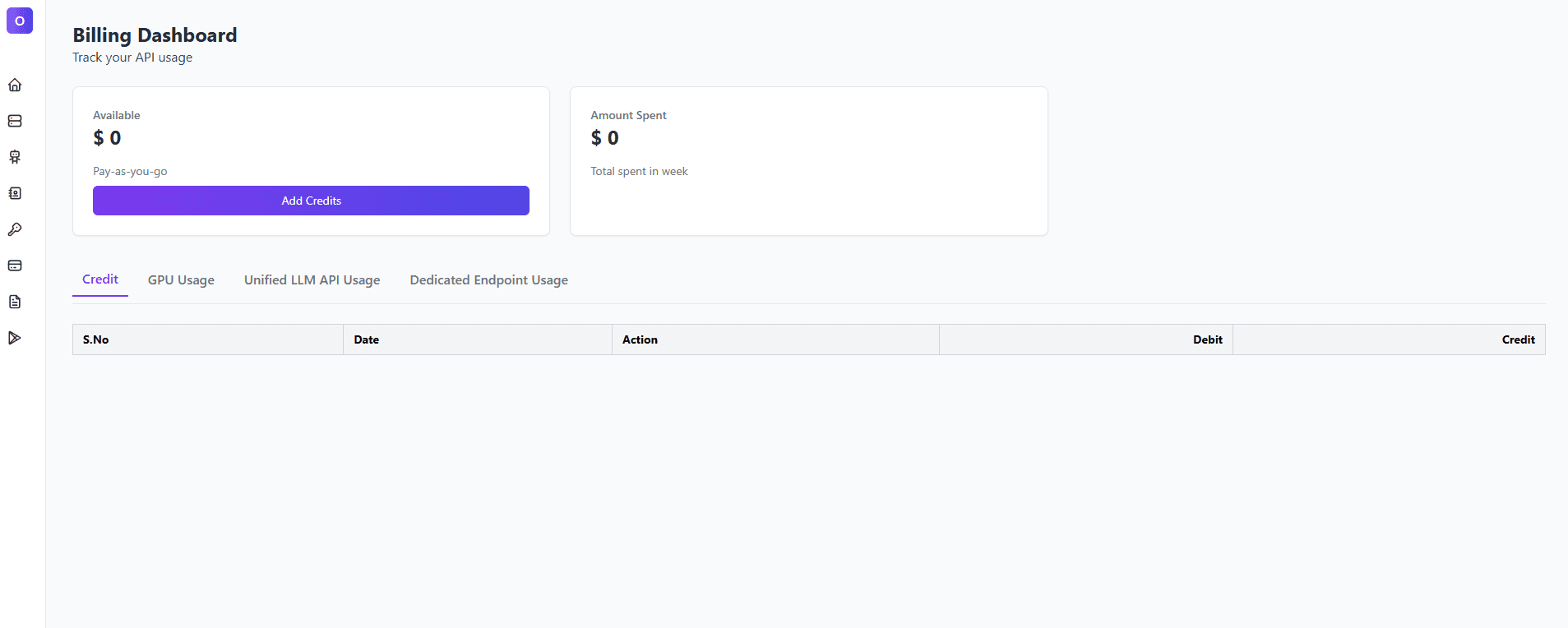
1. Sign Up & Add Credit
- Create an account on oneinfer.ai.
- Verify your email address.
- Go to Credits → Add Credit and top up using credit card.
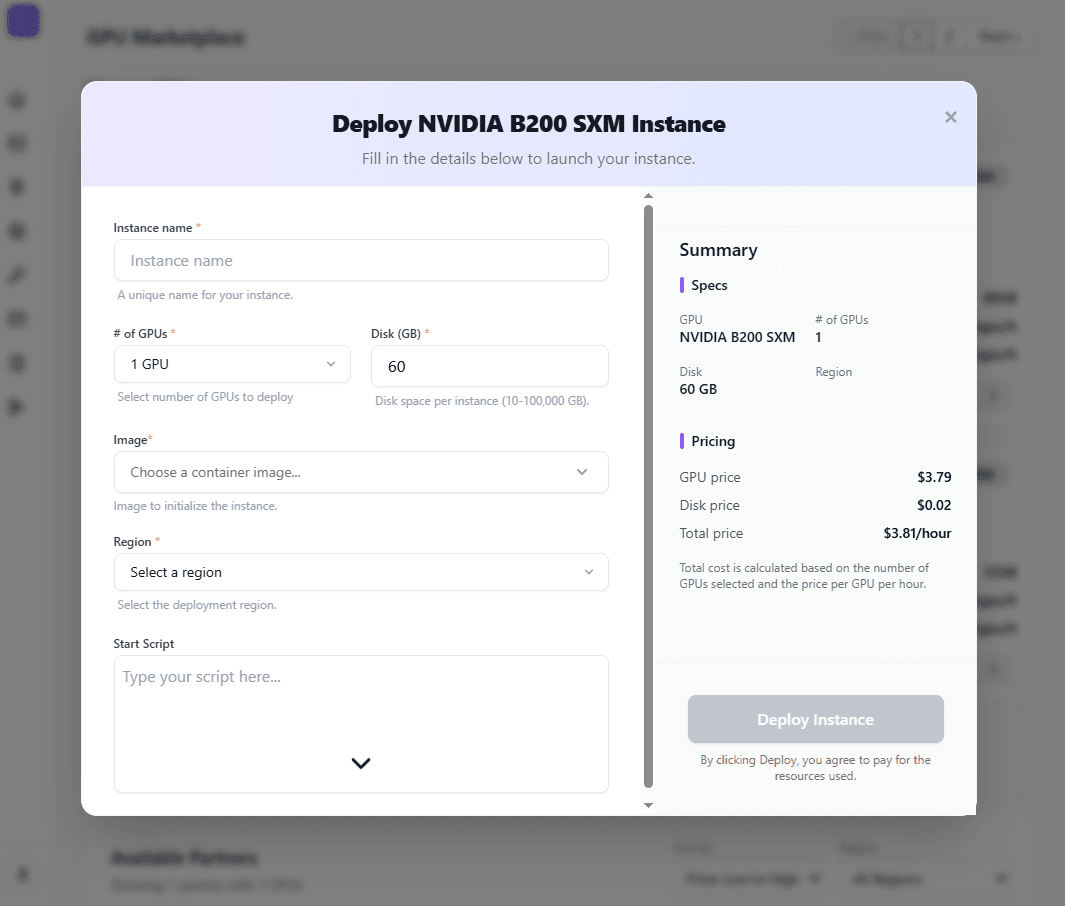
2.Deploy your instance
- Choose your GPU and provider
- Enter all details.
- Deploy your instance
3. Manage or End Your Instance
- Use Stop to pause GPU billing (storage still accrues charges).
- Use Delete when finished to stop all charges. See data movement if you need to save data first.